

Short answer
Parent communication works best when parents have one place to look: announcements, homework, attendance, fees, and a way to raise a concern that gets tracked to the end. WhatsApp groups are fine for quick chats, but they are a poor system of record for anything a school needs to follow up on.
Most schools in India run parent communication through a mix of WhatsApp groups, SMS, circulars sent home in bags, and phone calls to the office. It works, until a message gets buried, a parent says they never received a notice, or a complaint sits unanswered because nobody knew it was theirs to handle.
Here is how to set up parent communication so that parents stay informed and the school stays in control.
Where WhatsApp groups fall short
| Class WhatsApp group | Parent app | |
|---|---|---|
| Finding an old notice | Scroll through hundreds of messages | Listed under announcements |
| Who sees what | Everyone sees everything | Each parent sees their own child |
| Raising a concern | Posted publicly or sent to a teacher's personal number | Raised as a ticket and tracked |
| Fees and receipts | Not available | Dues, history, and receipts in one place |
| Teacher privacy | Personal number shared with every parent | No personal numbers needed |
5 steps to better parent communication
Give parents one app for everything
Homework, grades, attendance, timetable, fees, and announcements should all live in the same place. When parents have to check three channels, they end up calling the office instead.
Post announcements in one official channel
Circulars, holidays, events, and exam schedules should go out through the school's own app, where they stay searchable. Use WhatsApp to point people to it, not to replace it.
Send fee reminders before the due date
A reminder a few days before the due date feels helpful. A reminder after it feels like a penalty. Send reminders through the channels parents actually read: app notifications, email, and WhatsApp.
Track every concern as a ticket
When a parent raises an issue about transport, academics, or fees, it should get an owner, a status, and a record. That way nothing depends on one person remembering a phone call.
Control what parents can see
Decide which parts of a student's profile parents can view and update. Each parent should see only their own children, and teachers should not need to share personal phone numbers.
What to look for in a parent communication app
- Announcements by school, class, or individual student
- Homework, attendance, grades, and timetables in the same app
- Fee dues, payment history, and downloadable receipts
- Fee reminders over app notifications, email, and WhatsApp
- A way for parents to raise concerns that the school can assign and track
- School-controlled permissions on what parents can view
- Transport route and stop details for families who use the school bus
A standalone messaging app solves only the first point. The rest depends on the app being connected to the school's own records for fees, academics, and transport.
How ToGather LMS handles parent communication
The ToGather LMS parent app shows a child's grades, homework, attendance, timetable, and school announcements in one place. Parents can see outstanding fees, check their payment history, and download receipts without visiting the office. Discounts and concessions show up in their account with the details.
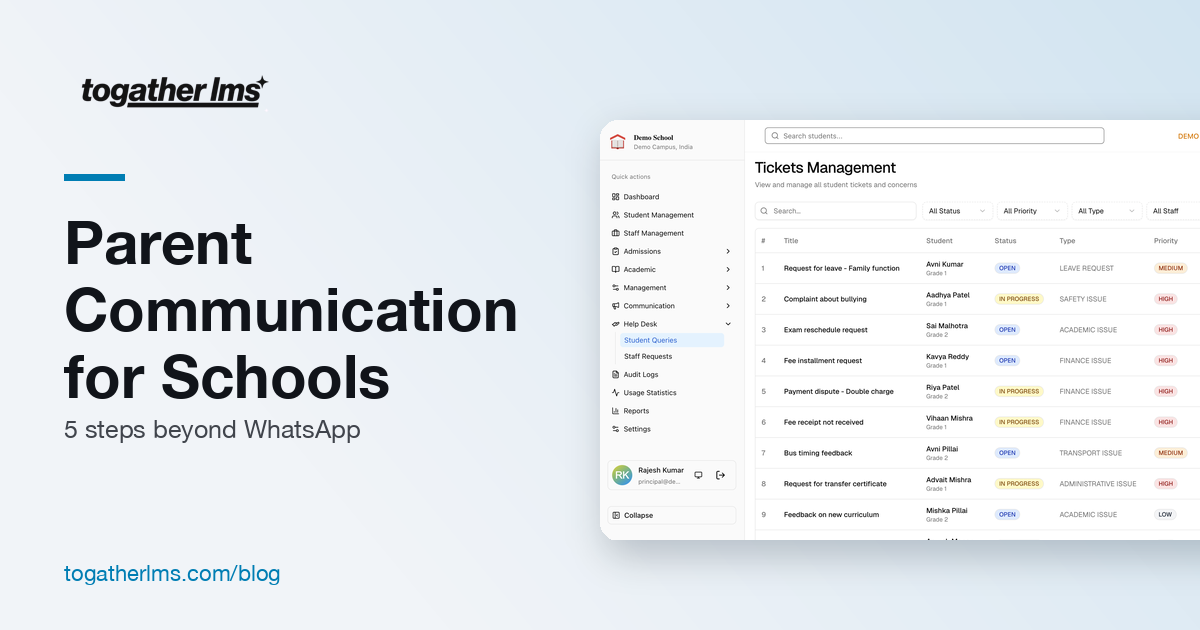
When something needs attention, parents raise a ticket from the app and track it until it is resolved. On the school side, tickets and requests can be assigned to the right staff member, and open requests appear in the principal's evening briefing. For fee follow-ups specifically, see our school fee management guide.
See the parent app
Book a walkthrough and we will show you the platform. No slides, just the product.
Get in Touch