

Short answer
An LMS (learning management system) runs teaching: classes, homework, tests, and report cards. A school ERP runs operations: fees, admissions, transport, staff, and records. Most schools need both, and the simplest setup is one platform that does both so the data lives in one place.
If you have started looking at software for your school, you have probably seen both terms used, sometimes for the same product. Vendors call themselves an LMS, an ERP, a school management system, or all three. It is confusing, and it makes comparing options harder than it should be.
This guide explains what each term actually means, where they overlap, and how to decide what your school needs.
What is an LMS?
A learning management system is built around teaching and learning. Its main users are teachers and students. A typical LMS handles:
- Classes, sections, and subject assignments
- Homework, assignments, and study materials
- Tests, assessments, and grading
- Report cards
- Announcements to students and parents
Google Classroom and Moodle are well-known examples. They are good at the classroom, but they stop there. We compared one of them in detail in ToGather LMS vs. Google Classroom.
What is a school ERP?
ERP stands for enterprise resource planning. In a school, it means the system that runs the office side of things. Its main users are the principal, accounts team, admissions coordinators, and administrators. A school ERP typically covers:
- Fee structures, invoices, payments, and reminders (fee management)
- Admission enquiries and follow-ups (admissions management)
- Student records and documents (student management)
- Staff profiles, attendance, and leave (staff management)
- Bus routes, stops, and transport fees (transport management)
- Parent requests and complaints (tickets and requests)
School ERP vs LMS: side by side
| LMS | School ERP | |
|---|---|---|
| Main purpose | Teaching and learning | Running school operations |
| Main users | Teachers, students | Principal, office, accounts, admissions |
| Typical features | Homework, tests, grades, report cards | Fees, admissions, transport, staff, records |
| Parents use it for | Homework and grades | Fee dues, bus details, raising requests |
| What breaks without it | Teaching moves to paper and WhatsApp | Fees and admissions move to registers and spreadsheets |
Where the two overlap
Attendance, student profiles, and parent communication sit in the middle. Teachers mark attendance in class, but the office needs it for reports. The LMS knows a student's grades, but the ERP knows their fee status and bus route.
When a school runs two separate systems, this middle ground is where problems appear. The same student is entered twice. Data goes out of sync. Someone exports a spreadsheet every week to reconcile the two. The principal has to log into both to understand one situation.
Does your school need both?
Almost every school needs both sets of features. The real question is whether you get them from one system or two.
- Two separate tools can work if each is excellent and they integrate properly. In practice, integrations between school tools are often limited, and someone ends up copying data by hand.
- One combined platform means a student is created once and every team sees the same record. Fees, attendance, grades, and transport all link to the same profile.
If your school already uses a strong curriculum platform, such as ManageBac for IB, you can keep it for teaching and add an operations platform alongside. We explain how that works in How ToGather LMS Works Alongside ManageBac.
Questions to ask any vendor
- Is this one system, or several products sold together?
- If I add a student once, does every module see them?
- Can parents see fees, attendance, grades, and transport in one app?
- Who can see sensitive data like Aadhaar numbers, and how is it stored?
- Can I see a live product demo rather than slides?
For a fuller list, see our checklist for choosing school management software.
How ToGather LMS fits
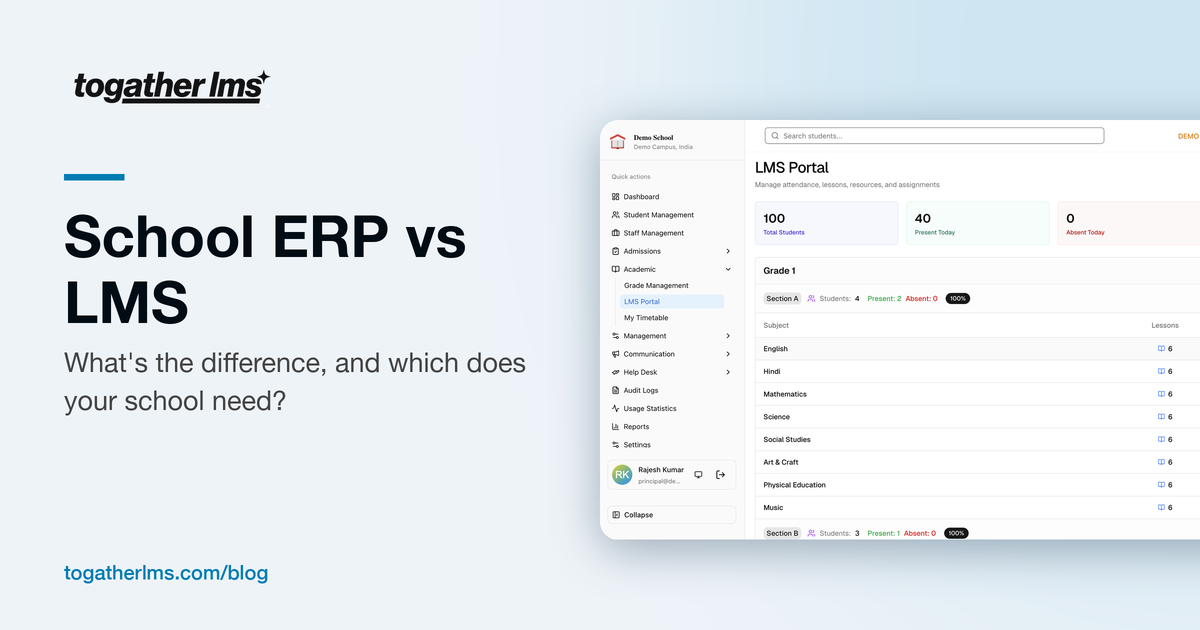
ToGather LMS is both. Teachers get classes, homework, tests, attendance, and report cards. The office gets fees, admissions, transport, staff, and requests. Principals get one dashboard across all of it, and parents get one app.
See LMS and ERP in one place
Book a walkthrough and we will show you the platform. No slides, just the product.
Get in Touch