
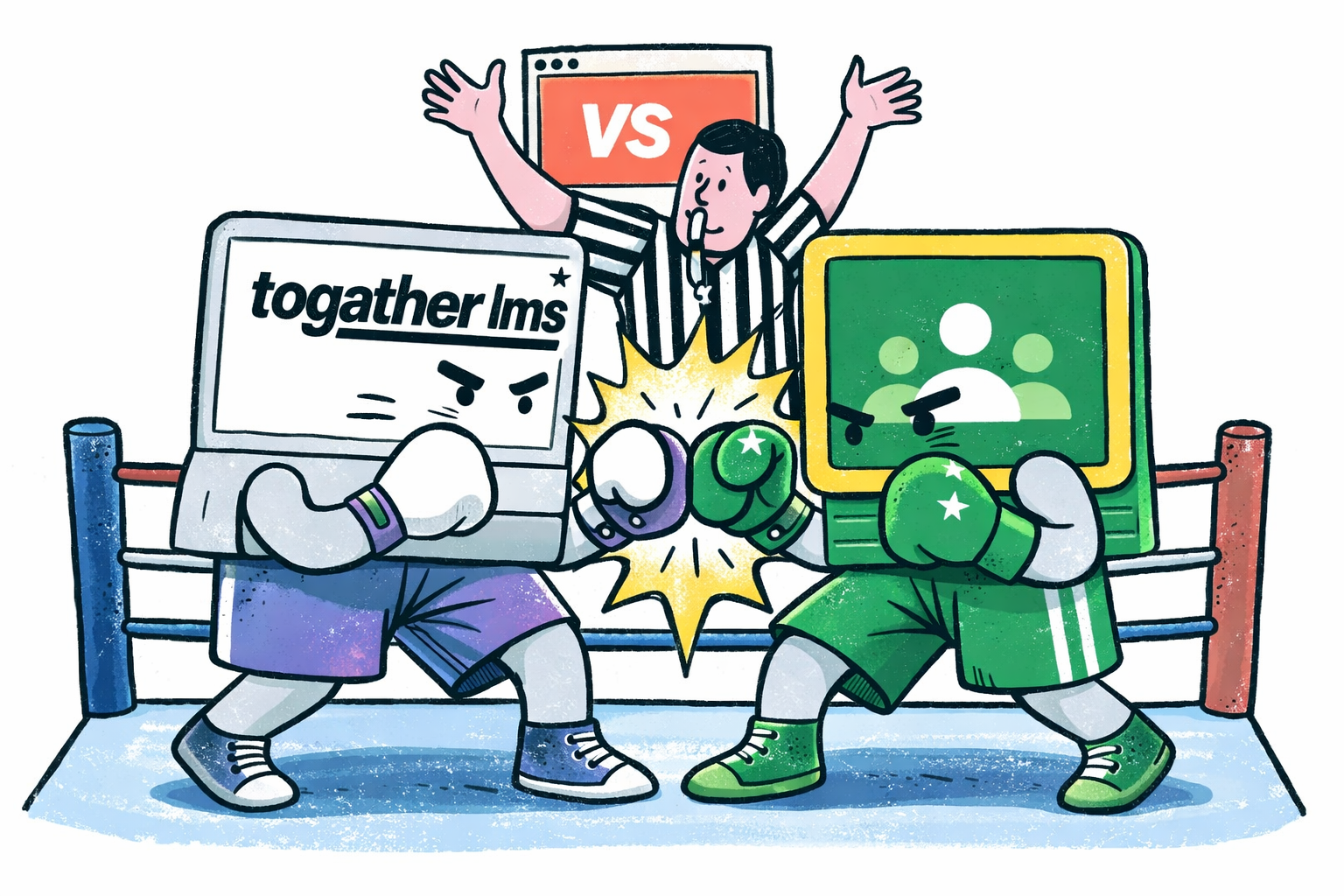
Google Classroom is a good tool. It handles the teaching side of school life well. Assignments, class streams, Drive integration, Google Meet. It does all of that cleanly and most teachers already know how to use it.
But schools do not just teach. They collect fees, manage admissions, track transport, handle staff, respond to parent requests, and try to make sense of how everything is going. Google Classroom does not help with any of that. So schools end up with Classroom for teaching, a spreadsheet for fees, another app for admissions, and a third system for everything else.
What Google Classroom does well
For the classroom itself, Classroom is strong. Teachers can post assignments, students submit work, everything syncs with Google Drive. Video calls run through Meet. For schools already in the Google ecosystem, the setup is straightforward.
We are not here to say Classroom is bad at what it does. It is genuinely good at teaching workflows.
What ToGather matches on the teaching side
ToGather covers everything Classroom does for teaching. Classes, assignments, homework, tests, report cards, and announcements are all built in. Teachers get one place for their class. Students know where to find their work.
The difference is that it is connected to the rest of the school. A student's attendance, fee status, and academic record all live in the same system as their class and assignments.
Where ToGather goes further
This is where the real difference is. ToGather was built as a whole-school platform, not just a teaching tool.
Student and staff profiles
Every student and staff member has a complete profile. Academics, attendance, documents, family information, and fee history are all in one place, not scattered across different systems.
Fee collection and invoicing
Create fee structures, generate invoices, record payments, and download receipts. Automated reminders go out to parents before and after due dates. No manual chasing.
Admissions pipeline
Track enquiries from first contact to confirmed enrollment. Every lead has a stage, an owner, and a follow-up log. The admissions team always knows what is next.
Transport management
Routes, vehicles, drivers, and student assignments in one place. Parents can see their child's transport details from the app.
Tickets and requests
Parents raise concerns through the app. Staff submit leave and resource requests. Everything is tracked until resolved, with no back-and-forth over WhatsApp.
AI daily briefing
At the end of each school day, school leaders get a plain-language summary of what happened. Attendance, fees, open tickets, anything that needs attention tomorrow.
Side by side
| Feature | Google Classroom | ToGather LMS |
|---|---|---|
| Assignments & homework | ||
| Class stream & announcements | ||
| Google Drive & Meet integration | ||
| Tests & assessments | ||
| Report cards | ||
| Student profiles & records | ||
| Staff management | ||
| Fee collection & invoicing | ||
| Automated fee reminders | ||
| Admissions pipeline | ||
| Transport & route management | ||
| Tickets & request tracking | ||
| AI daily school briefing | ||
| Parent app |
The bottom line
If you only need a teaching platform and you are already in the Google ecosystem, Classroom is a reasonable choice.
But if your school is juggling four different tools to manage fees, admissions, attendance, staff, and teaching, and you want one system that handles all of it, ToGather is built for exactly that.
You get the teaching layer, plus everything else a school needs to actually run.
Want to see it yourself?
Book a walkthrough and we will show you the platform. No slides, just the product.
Get in Touch