

Short answer
Good school attendance management comes down to five things: teachers mark attendance once, in class, on a device; the office sees it live without collecting registers; parents can see it without calling; staff attendance and leave live in the same system; and someone reviews the patterns every week.
Attendance is the one task every school does every day, in every class. It is also one of the easiest places to lose time. Paper registers get collected, counted, typed into a spreadsheet, and then someone still has to answer the parent who calls to ask whether their child reached school.
Here is a practical way to set up attendance so it takes minutes, not hours, and actually gets used.
Why attendance matters more than it looks
- Safety. The office should know who is in school today without walking to every classroom.
- Board eligibility. CBSE generally requires 75% attendance for students to sit board exams, with limited exemptions. Schools need to spot students falling short early, not in February.
- Early warning. A run of absences is often the first sign of a problem at home, with health, or with bullying.
- Parent trust. Parents who can see attendance themselves call the office less.
5 steps to set up attendance properly
Mark attendance in class, once
Teachers should mark attendance from their class list on a phone or laptop at the start of the period. No paper register to fill and then re-enter. If attendance is entered twice, it will eventually disagree with itself.
Let the office see it live
As soon as a teacher submits, the admin team should see who is present, absent, or late across every class. That removes the morning round of collecting registers and calling classrooms.
Give parents direct visibility
Parents should be able to check their child's attendance in the parent app, alongside homework and grades. When the information is there, families stop relying on second-hand updates.
Track staff attendance and leave together
Teacher attendance matters as much as student attendance, because it drives substitutions. Sync biometric devices with the same system that handles leave requests, so approved leave shows up correctly and you see who is actually in.
Review patterns every week
Pick one person to look at attendance trends weekly: students below the required percentage, repeated Monday absences, or a class with unusually low attendance. Small patterns are easier to fix early.
What to look for in a school attendance management system
- Quick marking from a class list, on any device
- A live view for admins across all classes and sections
- Attendance visible to parents in the same app as fees and homework
- Staff attendance with biometric device integration
- Leave requests and approvals linked to attendance records
- Reports by student, class, and date range
- Attendance linked to the same student record as fees, grades, and transport
That last point matters most. Attendance in a standalone app is just another spreadsheet. When it sits on the same student record as everything else, a principal can see the full picture of a student in one place. For more on what to check, see our checklist for choosing school management software.
How ToGather LMS handles attendance
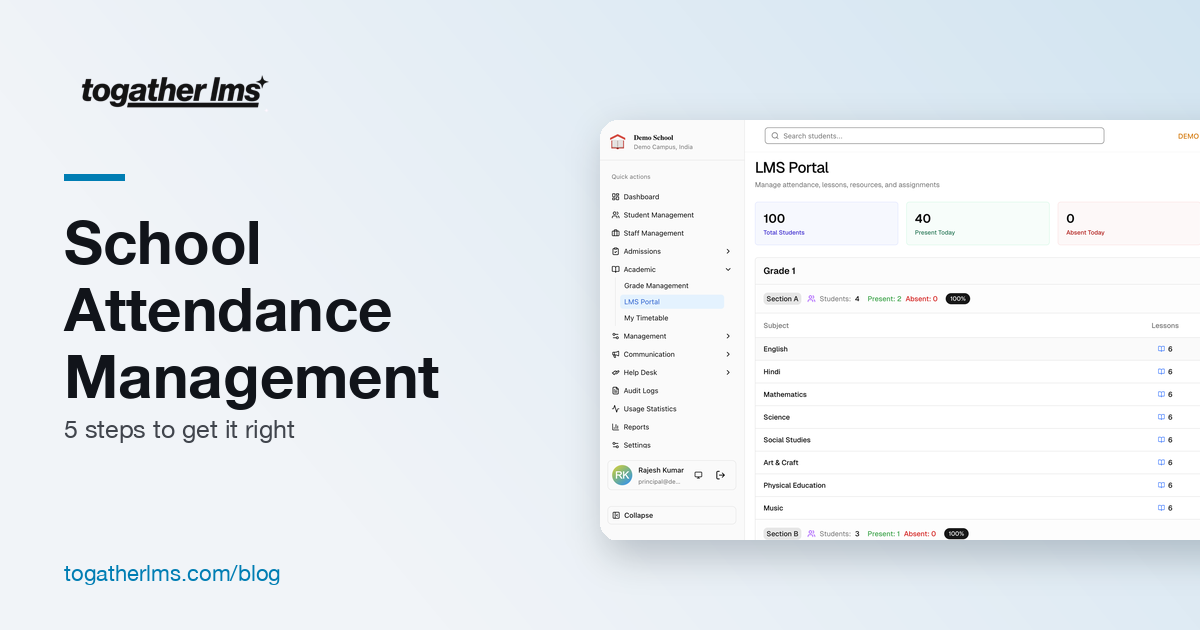
In ToGather LMS, teachers mark daily attendance from their class view, and the data is visible to the admin team instantly. The principal's dashboard shows today's attendance for both students and staff, and parents see their child's attendance in the parent app.
For staff, staff management syncs with supported biometric devices and links attendance with leave, so you see who is present, on leave, or absent in one view. Absences also feed into the evening briefing that school leaders receive.
See attendance in action
Book a walkthrough and we will show you the platform. No slides, just the product.
Get in Touch