

Short answer
Schools collect fees on time when three things are in place: fee structures defined once and applied automatically, reminders that go out before the due date (not just after), and one live view of who has paid and who has not. Most late fees come from unclear dues and late reminders, not unwilling parents.
Ask any school accounts team what their hardest month is and the answer is usually the start of a term. Fee registers, spreadsheets, receipt books, and dozens of calls and WhatsApp messages to parents who have not paid yet.
Fee collection does not have to work like that. Here is a practical approach that reduces late payments and cuts the manual work for your office.
Why school fees get paid late
Late payments usually have ordinary causes:
- Parents are not sure exactly how much is due, or for what
- The reminder arrives after the due date, when it already feels like a penalty
- Discounts and sibling concessions are tracked separately, so totals are wrong
- The office cannot quickly see who has paid, so follow-ups are inconsistent
- Receipts are hard to find, which leads to disputes about what was paid
A simple system for on-time fee collection
Define fee structures once
Set up tuition, term, activity, lab, and transport fees as reusable templates. Assign them by grade and academic year so each student automatically gets the right fees. When something changes, edit the structure instead of updating every student by hand.
Apply discounts at the category level
Sibling, staff, or merit discounts should apply to specific fee components and show up in the balance immediately. Record who approved each discount and when, so there is no confusion at audit time.
Send reminders before the due date
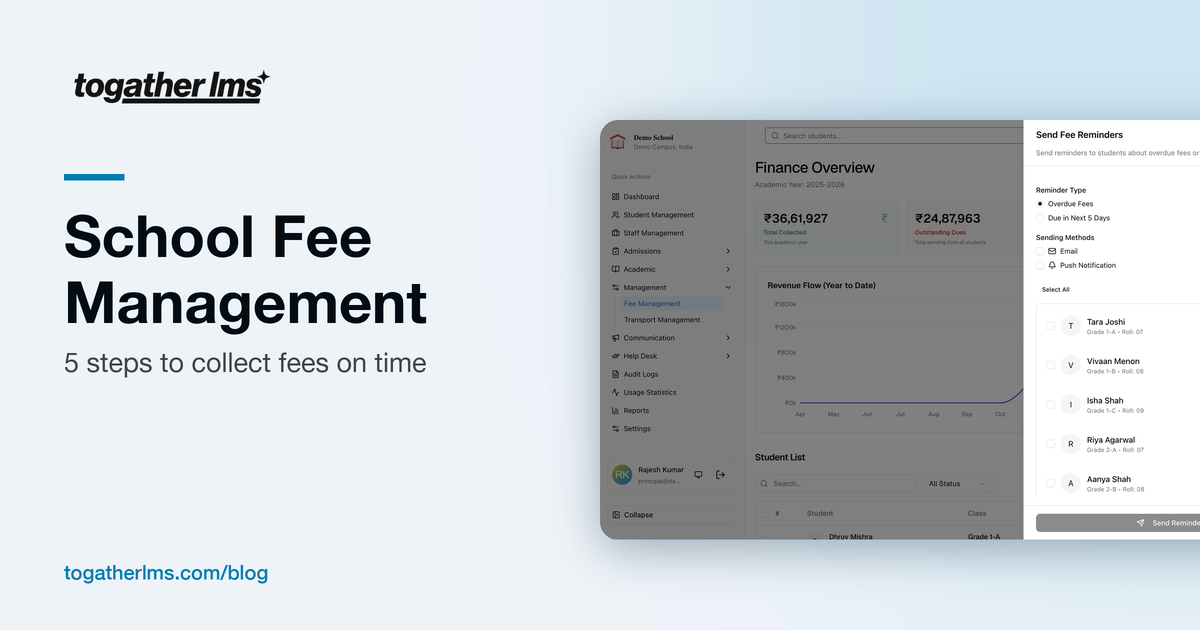
A friendly reminder a week before is far more effective than a stern one a week after. Send to parents with upcoming dues first, then follow up with those who are overdue. Use the channels parents actually read: app notifications, email, and WhatsApp.
Give parents one place to check dues
When parents can see their child's fee status, payment history, and receipts in an app, they stop calling the office to ask. It also removes most disputes, because both sides see the same record.
Review collections every week
Check total collected, outstanding dues, and overdue accounts once a week. Spotting a pattern early, such as one grade falling behind, is much easier than chasing everyone at the end of term.
Spreadsheet vs fee management software
Spreadsheets work for a very small school. As the number of students grows, they start to break: multiple versions, formula errors, no audit trail, and no easy way to send reminders.
Dedicated fee management software keeps one source of truth. Payments, cancellations, and corrections are logged. Receipts can be downloaded. You can switch between academic years to look at past collections without digging through old files.
What to look for in school fee software
- Reusable fee templates applied automatically by grade and year
- Flexible invoices for tuition, term, activity, or one-off fees
- Bulk reminders through app notifications, email, and WhatsApp
- Category-level discounts with an approval trail
- Downloadable receipts and full payment history
- Safe corrections and cancellations with audit logging
- A dashboard showing collected, outstanding, and overdue amounts
- Year-wise tracking across academic years
How ToGather LMS handles fees
Everything in the list above is part of ToGather's fee and finance module. Because fees are linked to the same student profile as attendance, grades, and transport, the accounts team does not maintain a separate list of students. If you run a finance team, our page for finance and accounts teams covers the day-to-day workflow.
Stop chasing fees by hand
See how fee structures, reminders, and receipts work in ToGather LMS.
Get in Touch